 EN
EN FR
FRHello !
As we all know, the air-conditioning systems in our homes and businesses consume more electrical energy, especially if they're used regularly. By automating air-conditioning systems, we can keep them under our control. What's more, with smart climate control, you can control air conditioners from anywhere using your phone.
Automating air conditioners offers many advantages. Here are some of the main benefits of intelligent air conditioner control :
- Energy conservation
- Remote temperature control
- AC usage tracking
- Improved comfort
- Monitoring indoor air quality, etc.
If your air conditioner isn't smart, there are plenty of new technologies available to turn it into a smart air conditioner. Instead of spending hundreds and thousands of euros on a brand new air conditioner, there are a number of devices on the market that can turn your current conventional system into an intelligent air conditioner.
The choice of technology depends entirely on the type of air conditioner or thermostat you use.
Line Voltage Thermostat :
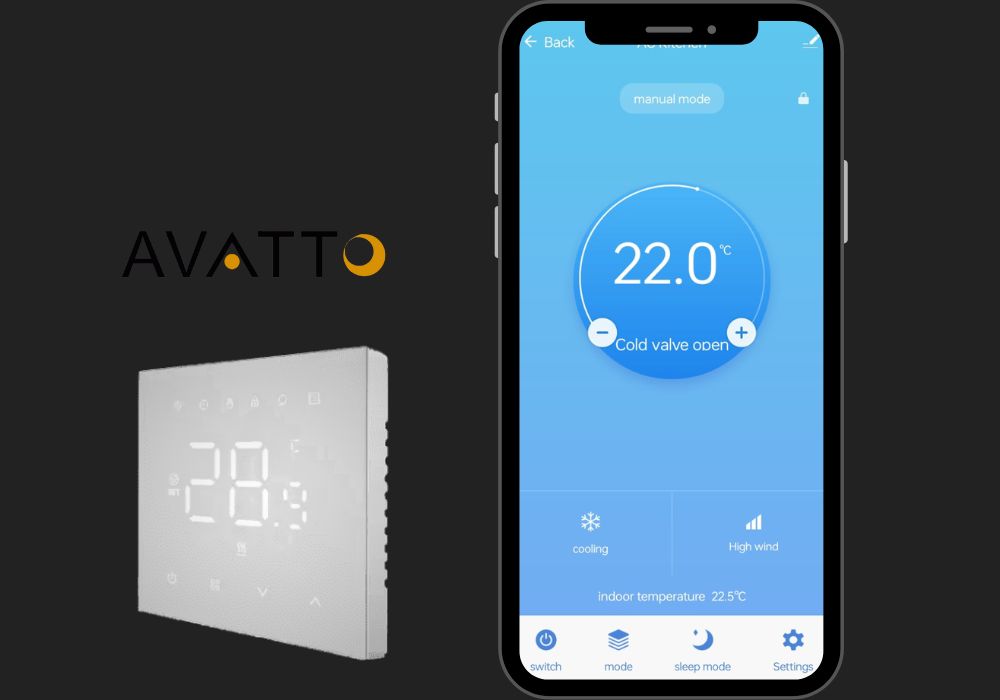
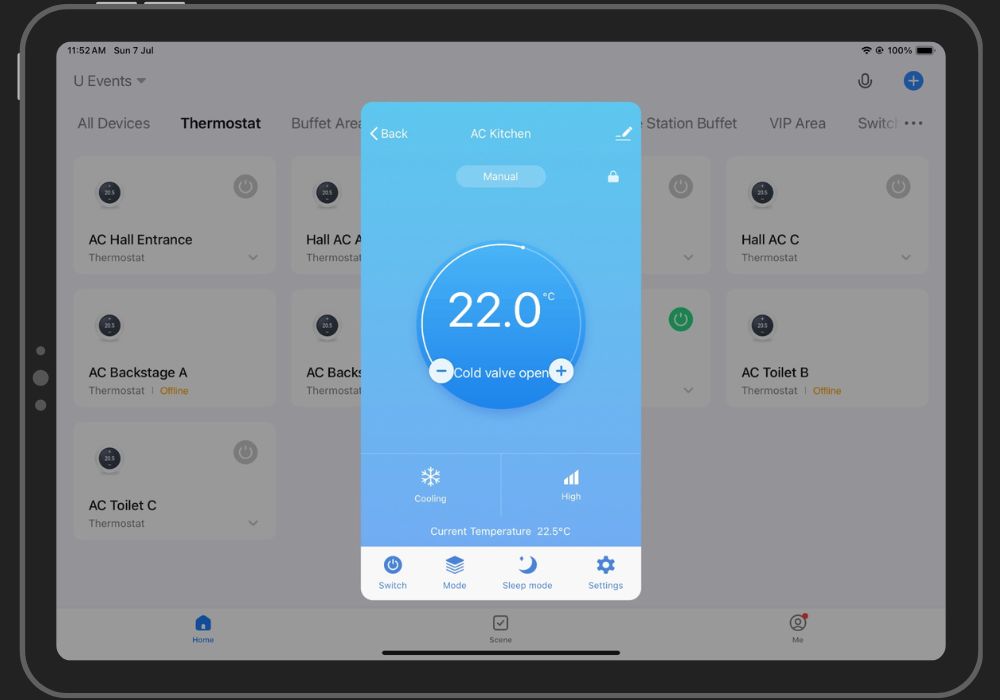
If your thermostat is the mains voltage type, it probably works on 120 or 240 volts and you can replace it with a Wi-Fi thermostat, preferably Tuya if you're using Home Assistant as a hub for your smart home. I am using a smart thermostat from Avatto, bought it from AliExpress for € 20.
Low Voltage Thermostat (IR-compatible) :
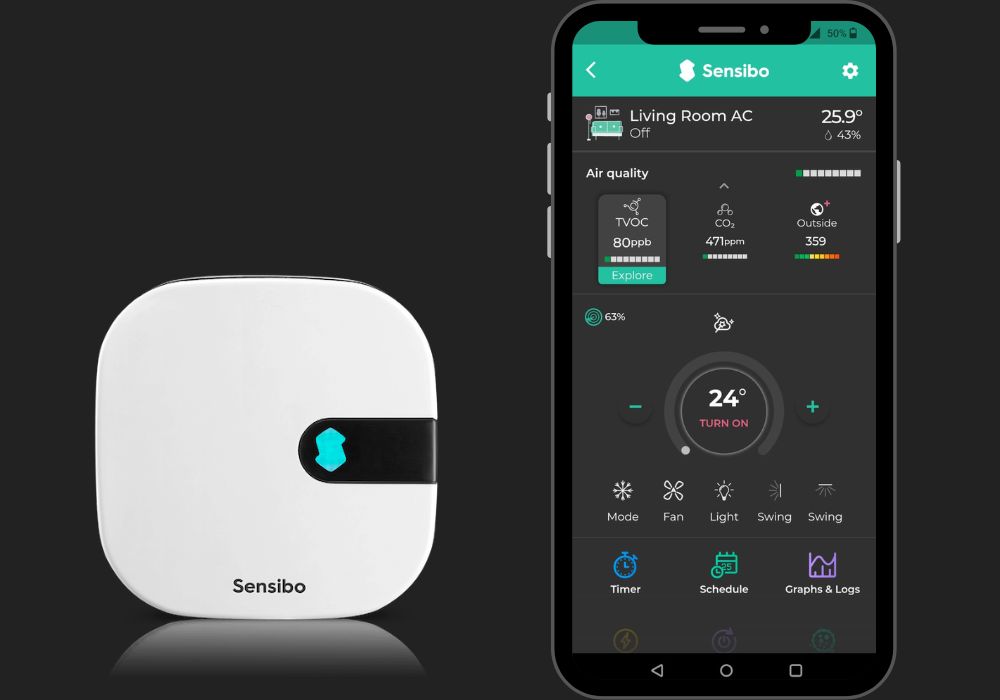
A low-voltage thermostat requires around 24 volts to operate. If your thermostat is of this type, you should opt for infrared-based smart thermostats, such as Sensibo.
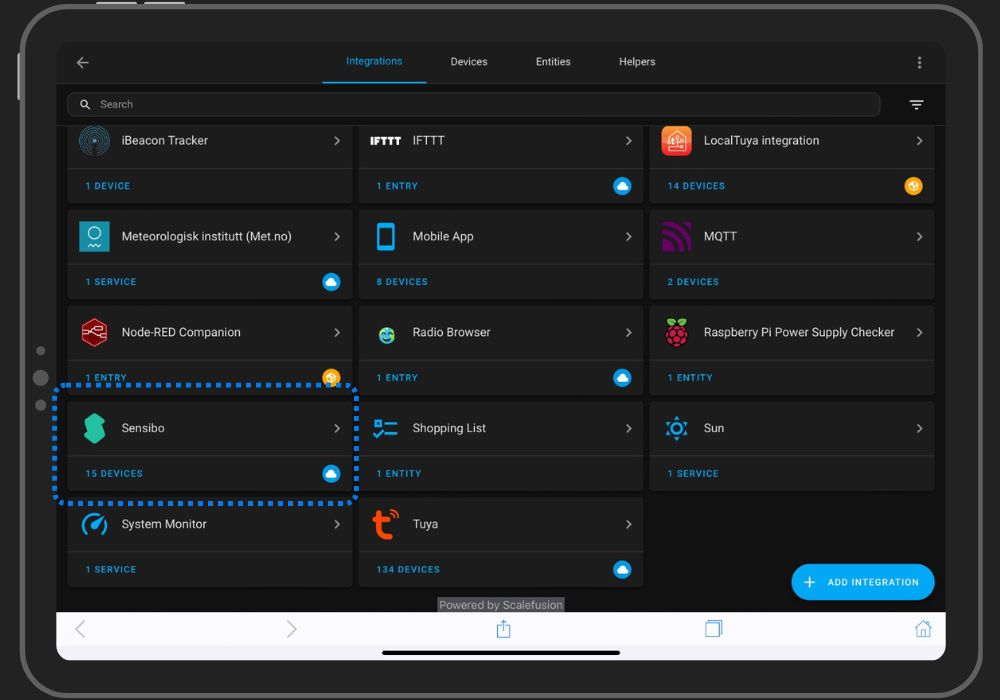
Sensibo can also be used to control your split air conditioners. I am using one Sensibo Air Pro for controlling two Gree split ACs in the hall. You can integrate sensibo devices into Home Assistant using its native integration. Follow this link to find out how to integrate sensibo into your Home Assistant.
Now that I've explained how you can convert your conventional air conditioning system into a smart one, I'd like to explain the automation I wrote for scheduling the package air conditioning units in our event hall.
Automation Scenario :
When no event is taking place, only one of the three air conditioning systems in the hall has to run alternately every two hours from 6 a.m. to 6 p.m.
Solution :
First of all, we need to write a few scripts to simplify the automation part. It's a good idea to divide the automation actions (if possible) into separate scripts, so that you can reuse them for other automations.
- Write three different scripts to switch the air conditioners on separately and set the desired temperature: "Turn on AC-A", "Turn on AC-B" and "Turn on AC-C".
Script for AC-A :
                alias: Turn On AC A
                sequence:
                  - service: climate.turn_on
                    metadata: {}
                    data: {}
                    target:
                      entity_id: climate.hall_ac_a
                  - service: climate.set_temperature
                    metadata: {}
                    data:
                      temperature: 23
                    target:
                      entity_id: climate.hall_ac_a
                  - delay:
                      hours: 2
                      minutes: 0
                      seconds: 0
                      milliseconds: 0
                    enabled: false
                  - service: climate.turn_off
                    metadata: {}
                    data: {}
                    target:
                      entity_id: climate.hall_ac_a
                    enabled: false
                mode: single
                icon: mdi:snowflake-thermometer
- Likewise, create scripts for other ACs.
- Next, we create another script that executes the three scripts mentioned above (one every two hours) in a while loop with the condition "Time after 18:00:00".
Note: With each of the above scripts, we'll call the "climate.turn_off" service to turn off the other two air conditioners (just in case).
While Loop YAML :
                alias: Hall ACs While Loop
                sequence:
                  - repeat:
                      sequence:
                        - service: climate.turn_off
                          metadata: {}
                          data: {}
                          target:
                            entity_id:
                              - climate.hall_ac_b
                              - climate.hall_ac_c
                        - service: script.turn_on_ac_a
                          data: {}
                        - delay:
                            hours: 2
                            minutes: 0
                            seconds: 0
                            milliseconds: 0
                        - service: climate.turn_off
                          metadata: {}
                          data: {}
                          target:
                            entity_id: climate.hall_ac_a
                        - service: script.turn_on_ac_b
                          data: {}
                        - delay:
                            hours: 2
                            minutes: 0
                            seconds: 0
                            milliseconds: 0
                        - service: climate.turn_off
                          metadata: {}
                          data: {}
                          target:
                            entity_id: climate.hall_ac_b
                        - service: script.turn_on_ac_c
                          data: {}
                        - delay:
                            hours: 2
                            minutes: 0
                            seconds: 0
                            milliseconds: 0
                      until:
                        - condition: time
                          weekday:
                            - mon
                            - tue
                            - wed
                            - thu
                            - fri
                            - sat
                            - sun
                          after: "18:00:00"
                mode: restart
Now that all the scripts are ready, we'll move on to the last part - creating an automation to program the air conditioners.
The automation will have one condition (time) and two actions - the first action will be the script to execute the while loop and the second to switch off the 3 ACs at the end of the automation.
Automation YAML :
                alias: Hall ACs 2Hr Schedule (6AM to 6PM)
                description: ""
                trigger:
                  - platform: time
                    at: "06:00:00"
                    enabled: true
                condition: []
                action:
                  - service: script.hall_acs_while_loop
                    data: {}
                  - service: climate.turn_off
                    metadata: {}
                    data: {}
                    target:
                      entity_id:
                        - climate.hall_ac_a
                        - climate.hall_ac_b
                        - climate.hall_ac_c
                mode: single
There, it's done. The above automaton will run from morning 6 to evening 6 every day, turning ON one AC at a time for every 2 hours.
Thank you note !
I want to personally thank you for reading my article. Your time and attention are greatly appreciated, and it means a lot to me that you took the time to engage with my content.
Your support and feedback are invaluable, and I am grateful for the opportunity to share my thoughts and ideas with you. Whether you left a comment, shared the article, or read it, your participation helps fuel my passion for writing and motivates me to keep creating content that resonates with readers like you.
Please feel free to reach out if you have any thoughts, questions, or feedback about the article. I love hearing from my readers and learning about your perspectives.
Once again, thank you for your support. I look forward to sharing more with you soon.